Training Videos
Help Space
Community Help Discussions
Login ↗
Free or First Time User Flower Arrangement Tutorial
Walks thru modifying several existing arrangements then using the shape aids to create an arrangement from a blank canvas. Great overview for the new user.
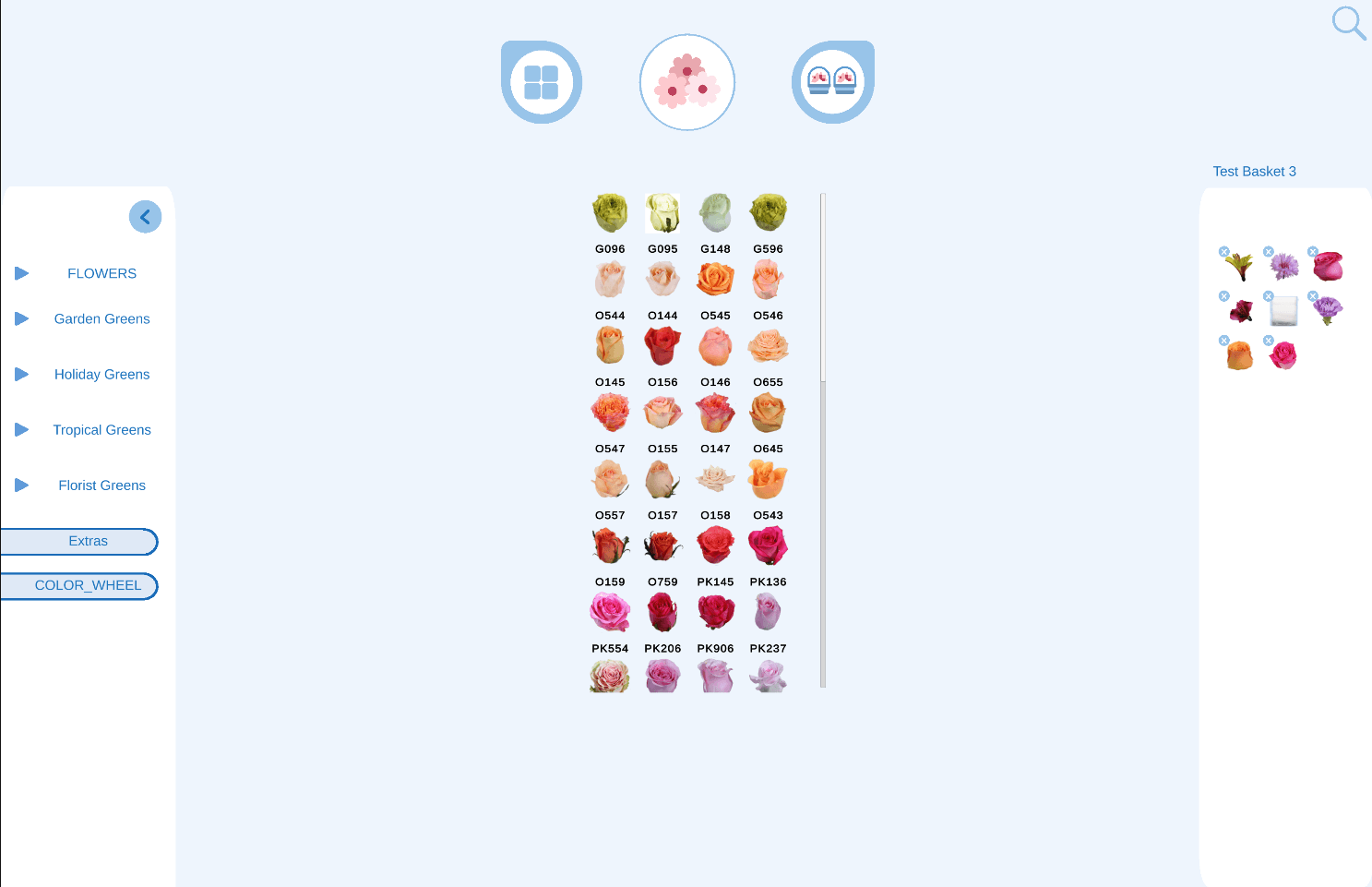
Select Your Basket of Flowers
First You Select flowers from over 1700 virtual flowers and place them in the basket on the right for later use.
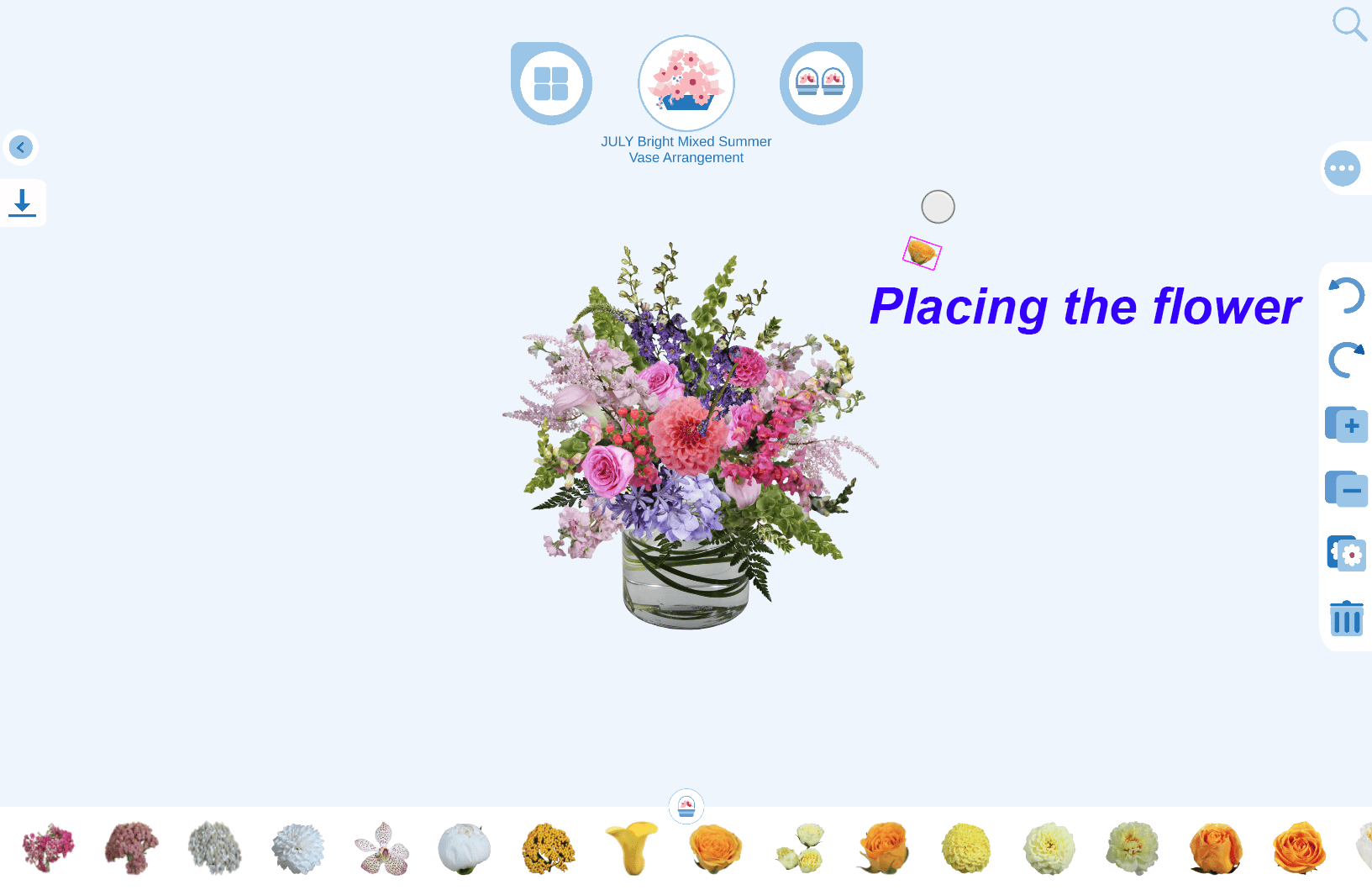
Place flowers Into Arrangement
Next You select a flower from the basket and place the flower in the arrangement rotating and moving it backwards as necessary.
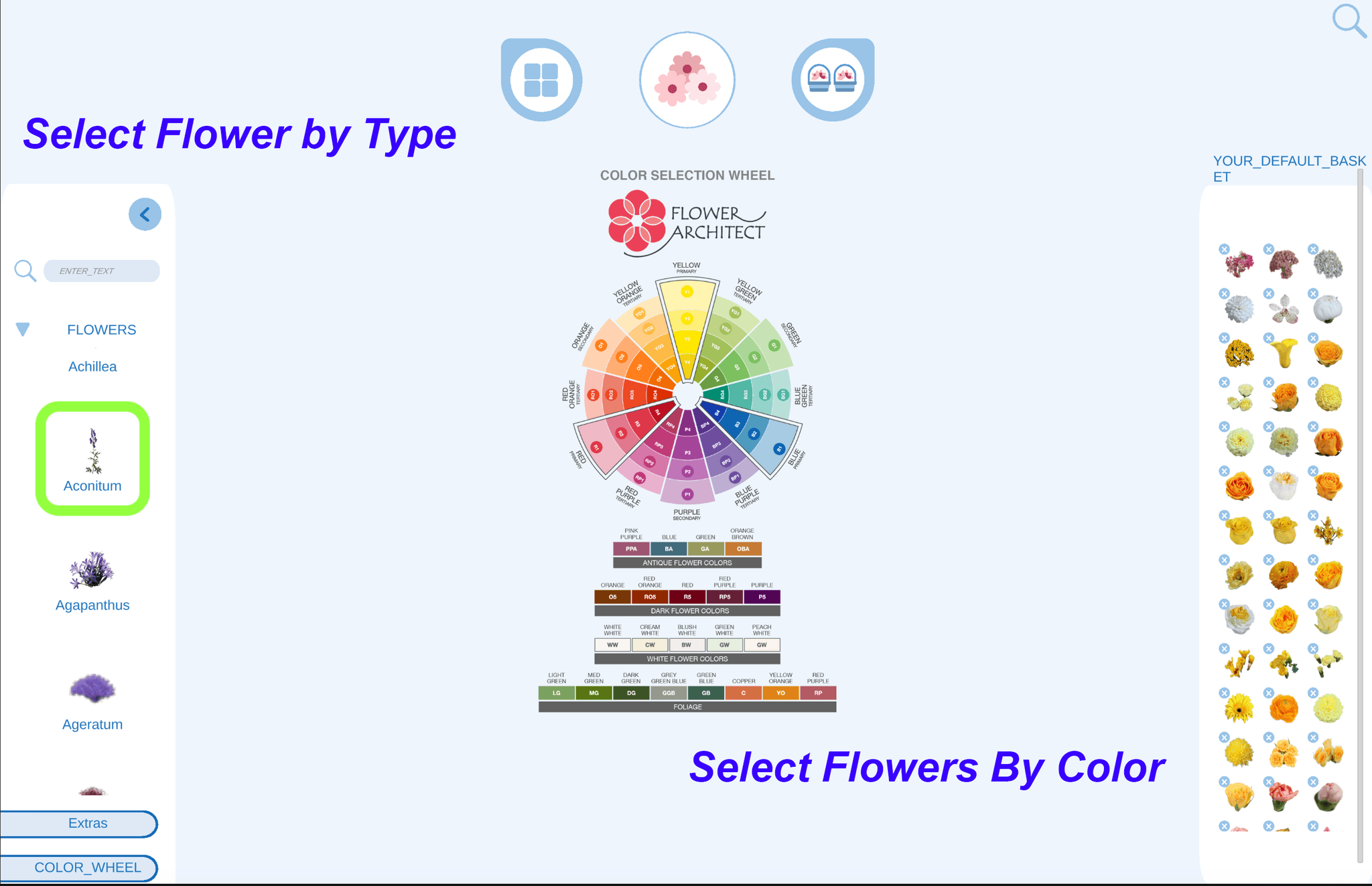
Find Flowers With Color Wheel For Your Basket
Color Wheel Advanced Selection of Flowers Of All Categories that match a color from the wheel for your basket.
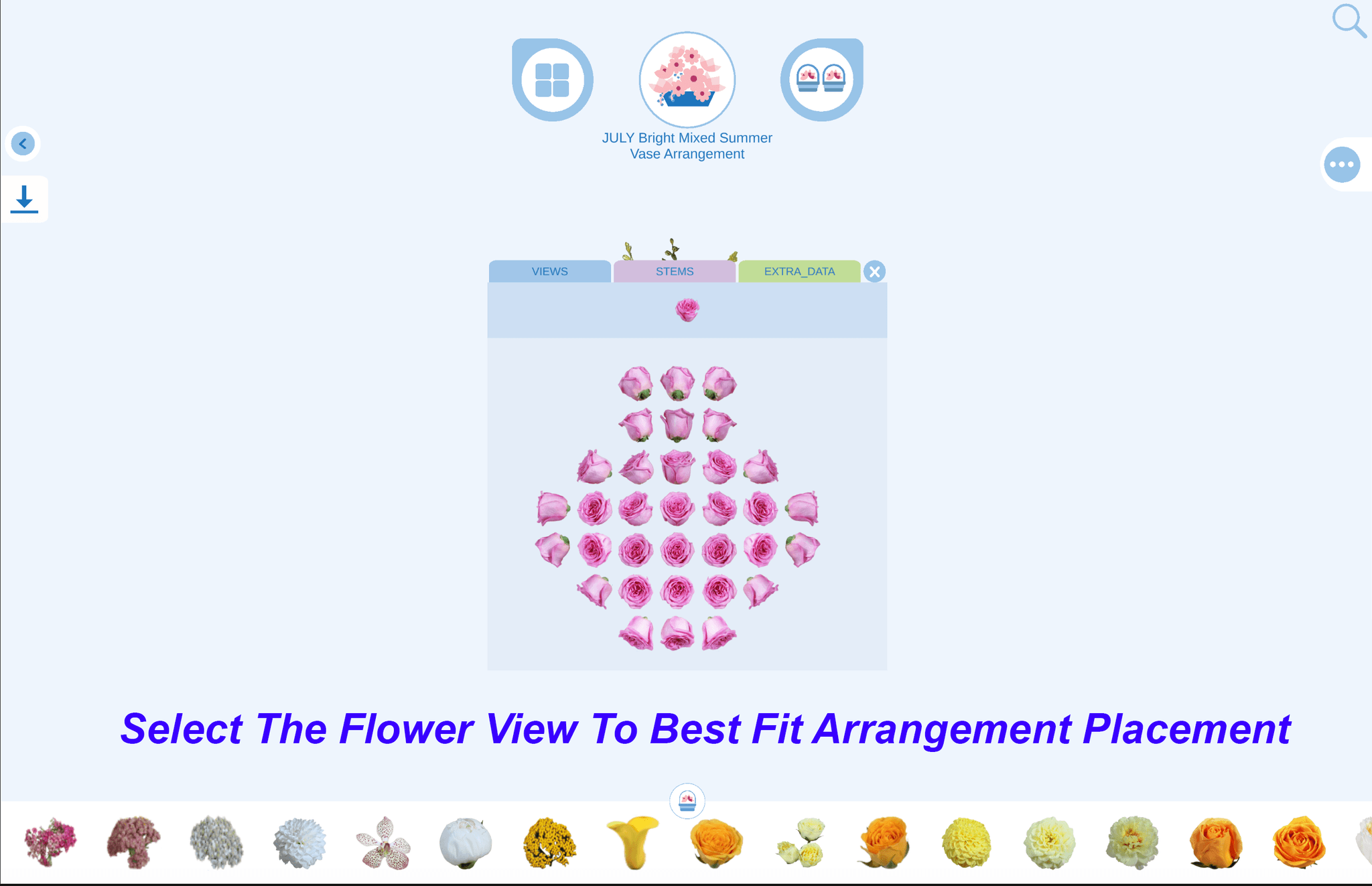
Flower Views, Stems, Leaves, & Flower Data
You will also normally select the best view of the flower to align with the location you plan to place the flower in the arrangement.
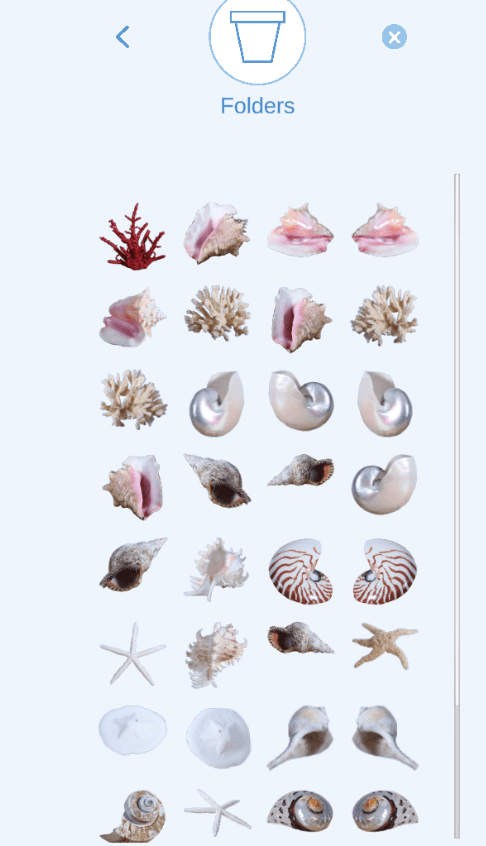
Add Extras
Over 3000 Extras (Vases, Pots, Ribbons, Bows, Fruits & Vegetables, Floral Embellishments, potted plants, branches, etc.) enhance your arrangements.
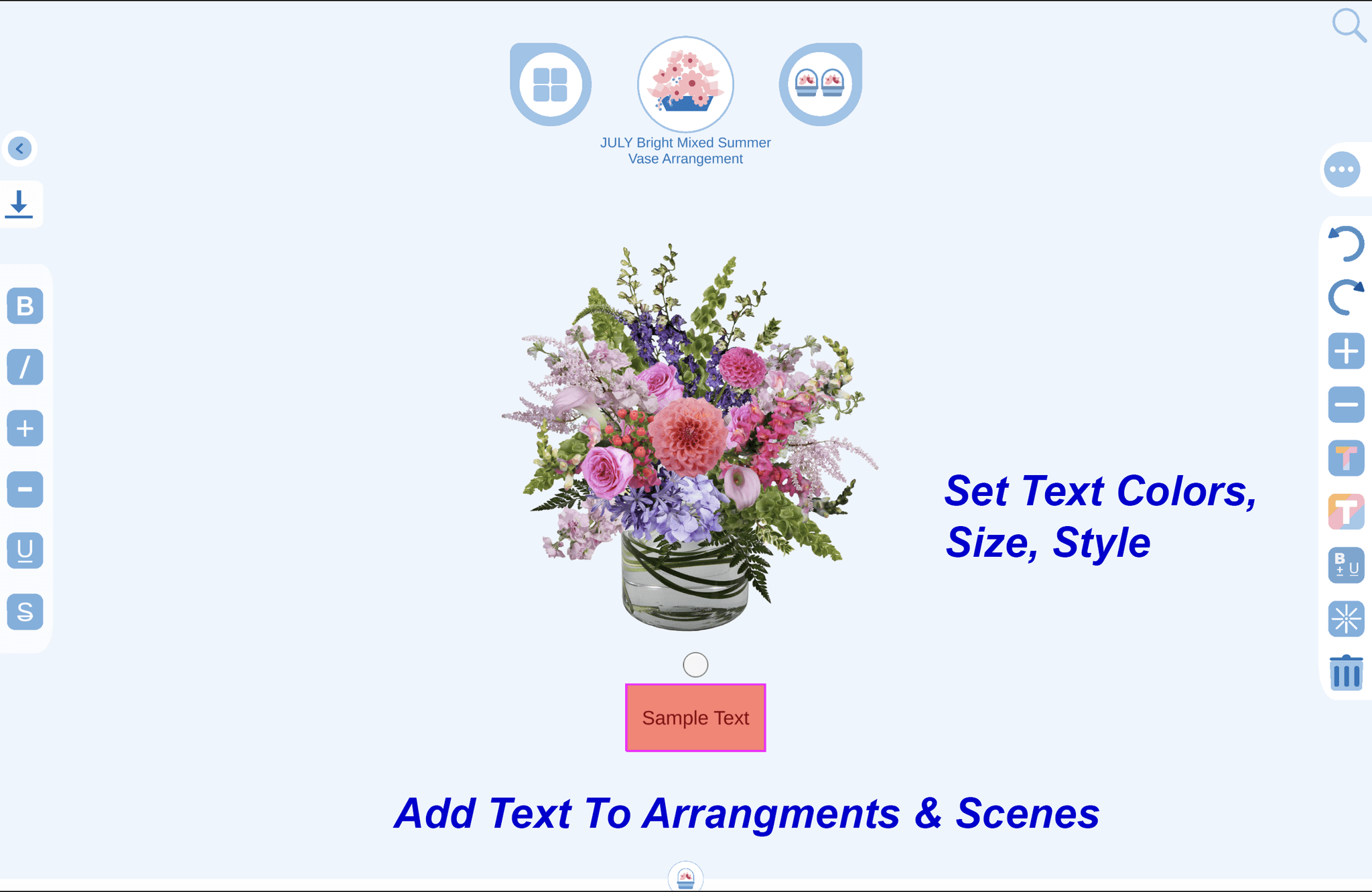
Add Text To Arrangements
Add Formatted Text to Your Arrangements and Scenes Creating a Virtual Greeting Card or Labeling Scene Decorations For Your Event. SHARE on Social Media with a button click!
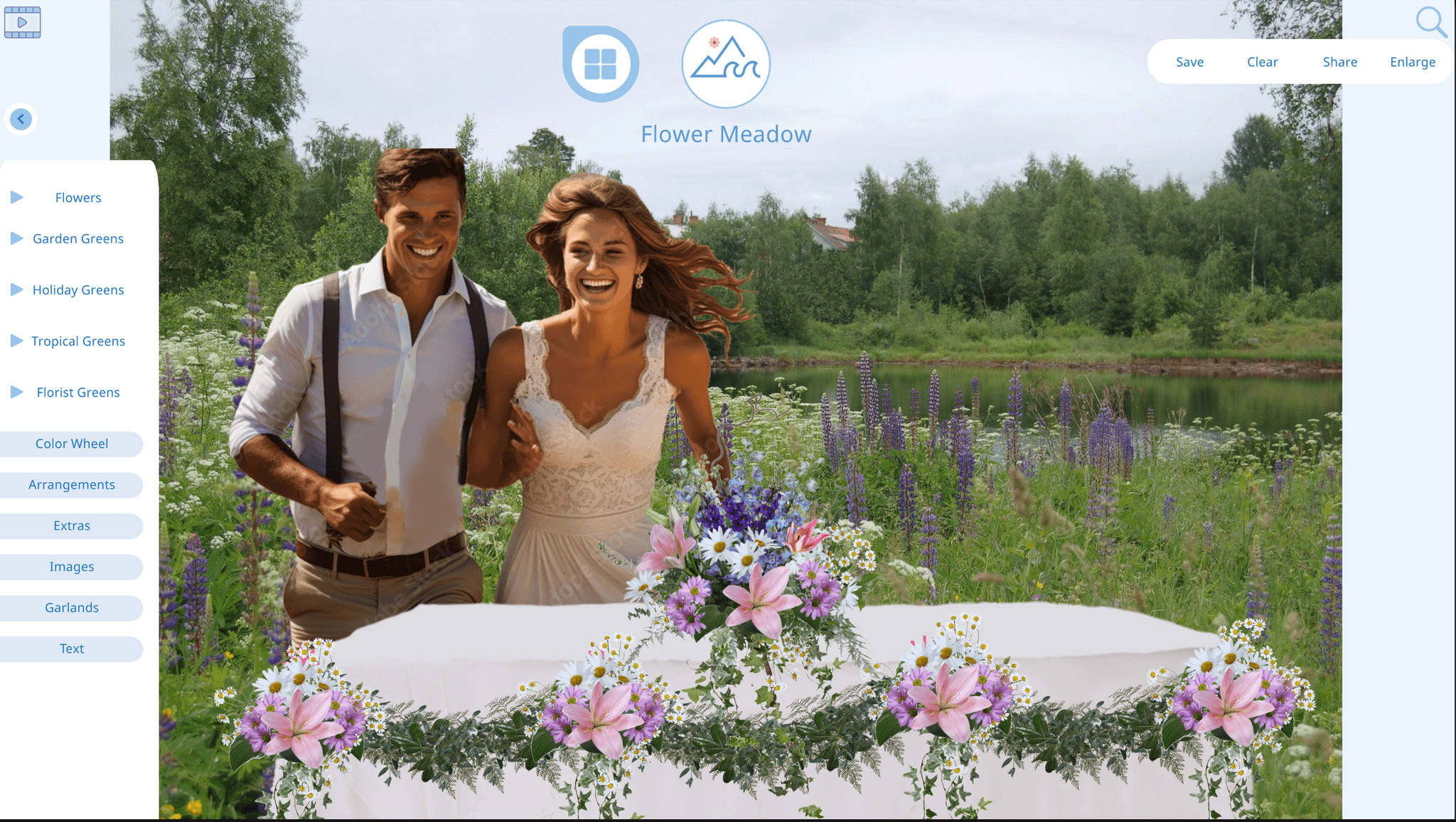
Create Virtual Scene
Upload a photo & create a Virtual Scene of your event adding arrangements, garlands, extras & images of people from your phone. (A virtual Doll House!)
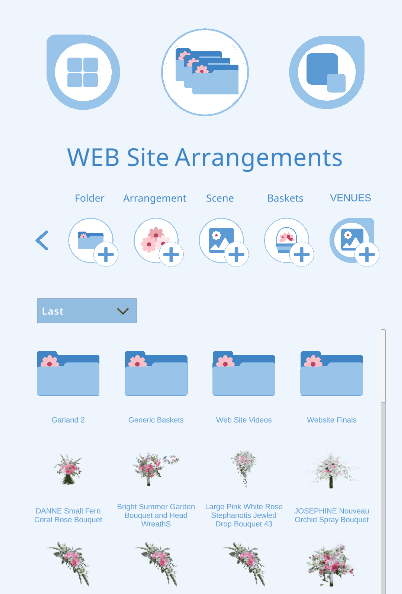
Organize With Folders
Organize your virtual flower arrangements like a pro with the Flower Architect Folders Tool! Create, name, and manage folders to streamline your designs, scenes, and extras.
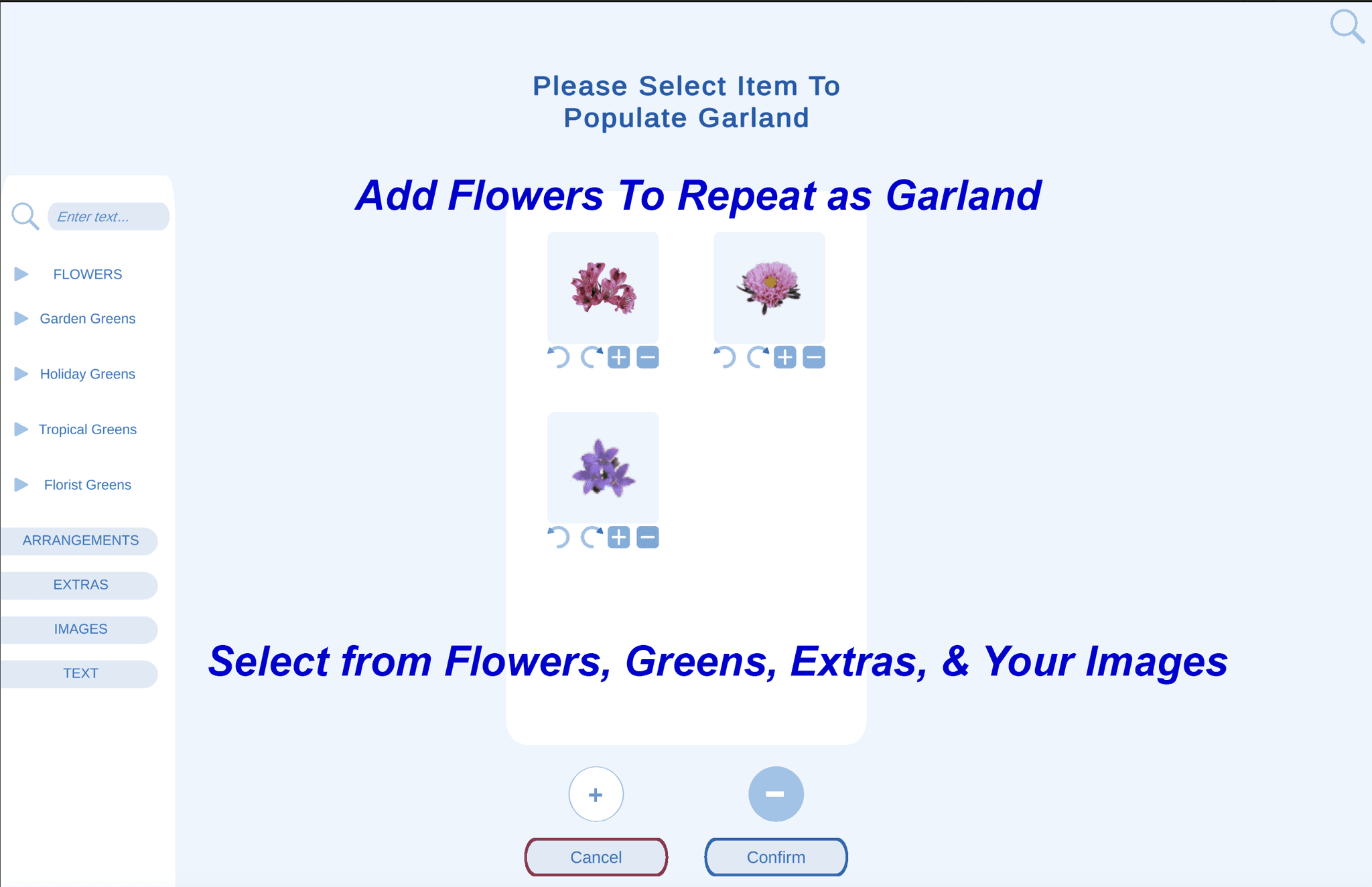
Create Garlands
Learn how to use the Garland Creation tool to seamlessly design and incorporate exquisite garlands into your virtual event settings. Perfect for florists, decorators, and event designers, this feature enhances your floral displays with striking accents that elevate the ambiance.
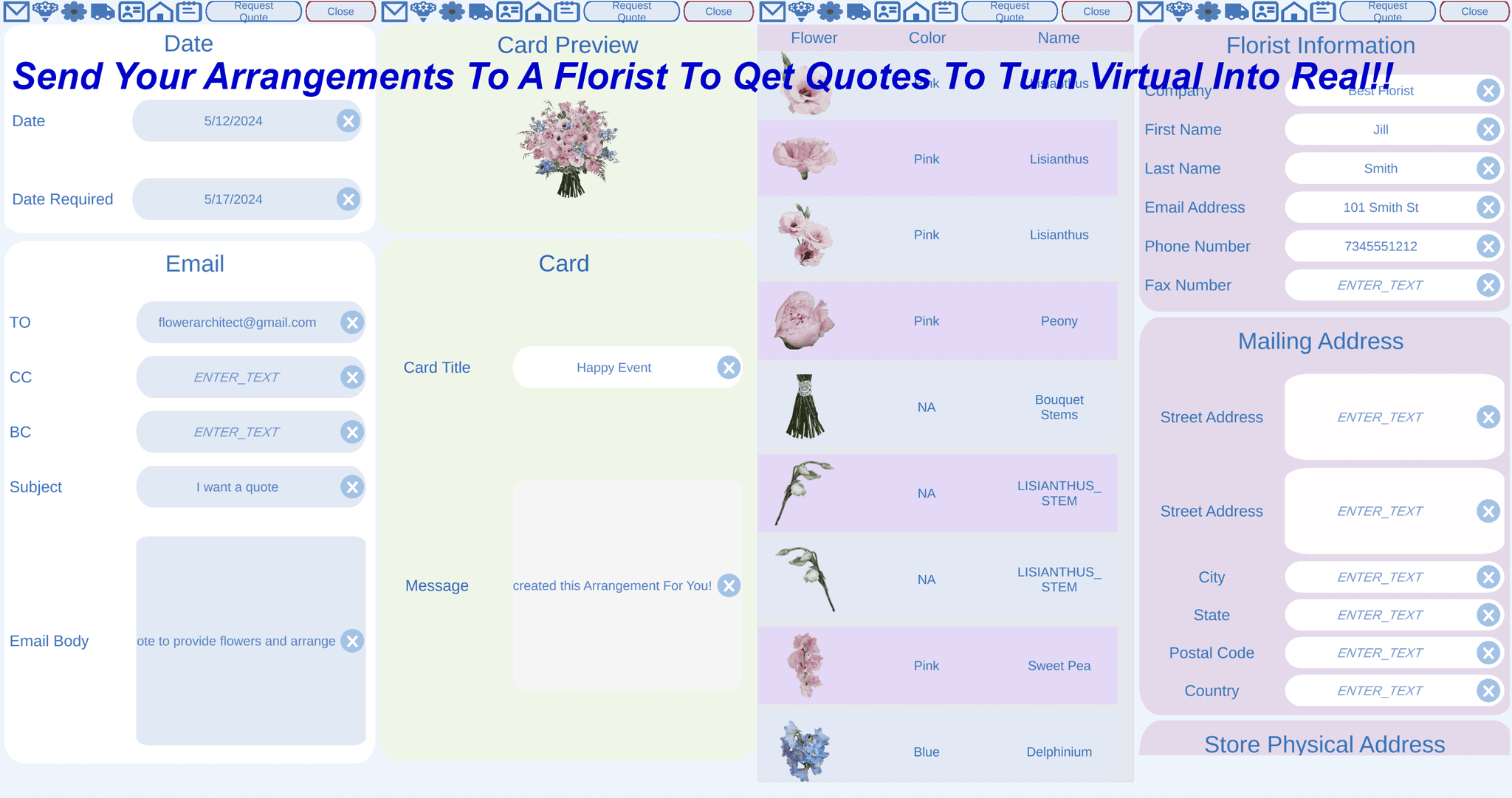
Get A Quote from Your florist
Request a quote from your florist to bring your virtual flower arrangement to life! Creates a quotation package with all the details of your order.
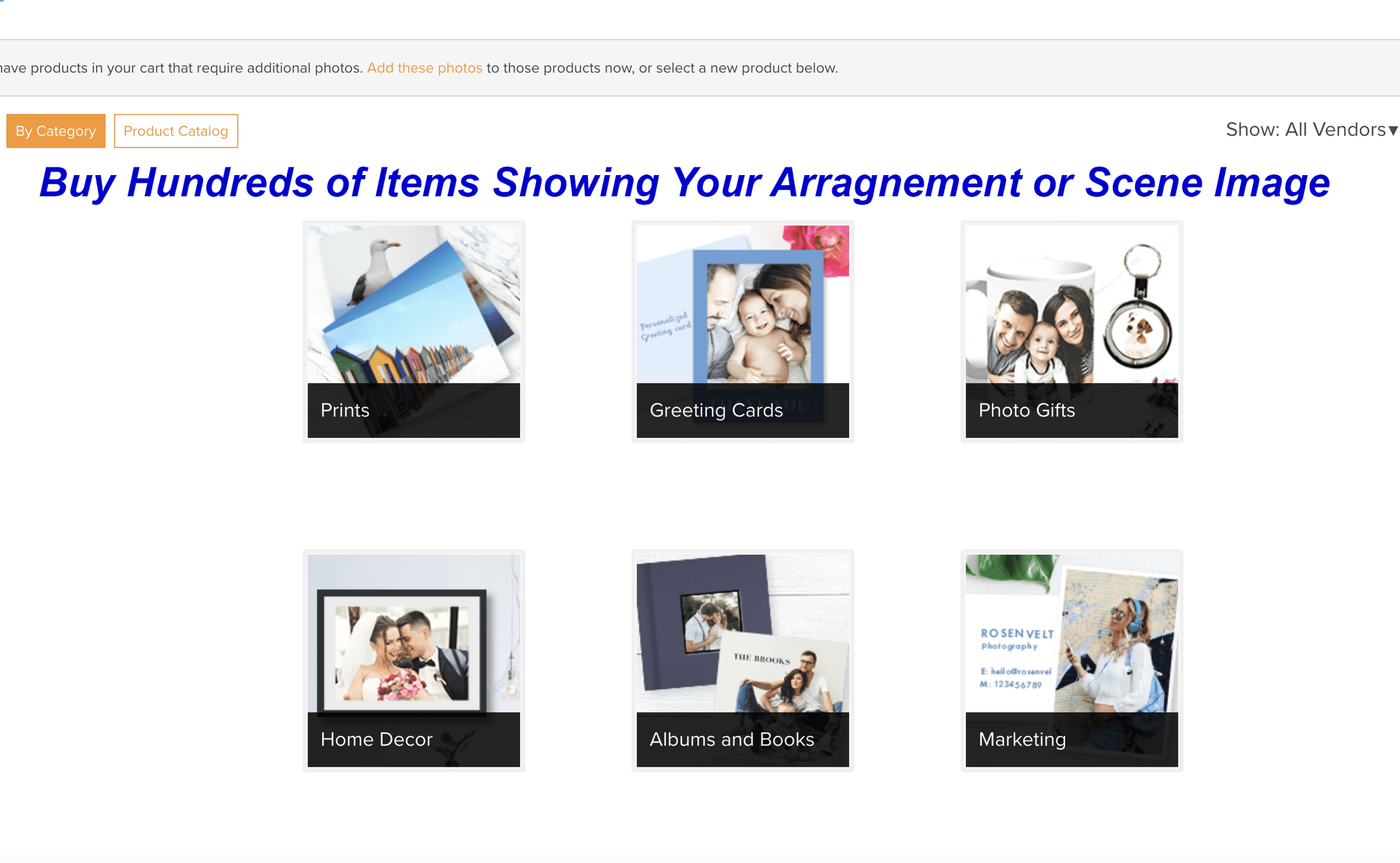
Create Cards, Cups, Calendars, Oil Paintings, etc Showing Your Creations
Integration with the Zenfolio Photographers Website to Create Print Quality Enlargements of Your Virtual Arrangements & Scenes. Publish Images on Hundreds of Items.
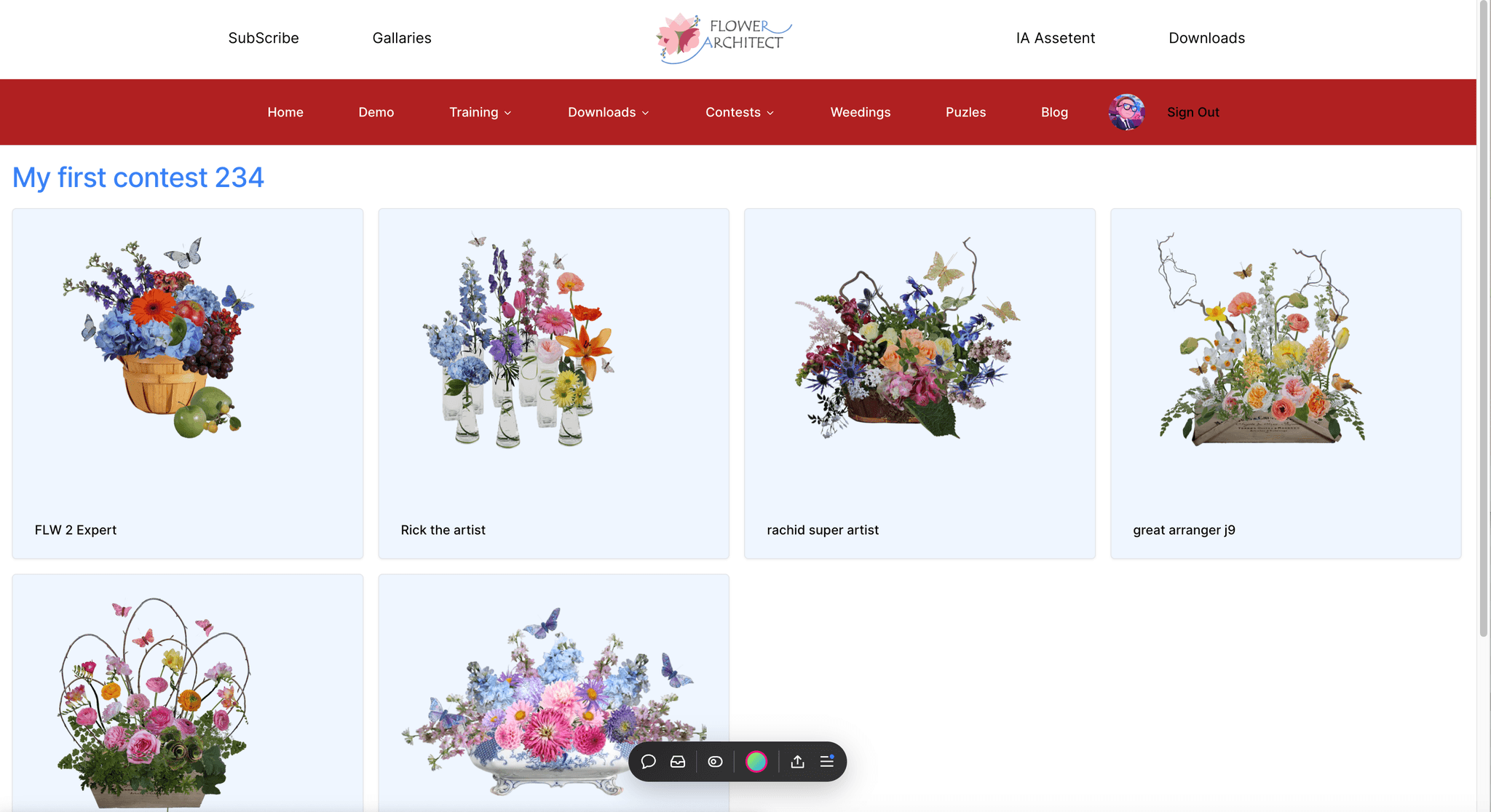
Flower Arrangement Monthly Contest
Enter Your Best Arrangement in the Monthly Flower Arrangement Contest. Winners are Voted on by counting clicking likes (members likes worth more). Prizes for top 3 places. Likes per user limited.

Create Together With a Group of Friends
Create Groups Where Users can View each others Creations and Work Together on the Same Arrangement or Just Share & Build off each others Creations.